platforms · Xero
Xero invoices. paid in 3 clicks
Link Xero’s Pay Now button to FPS by divit. Customers pay securely in 3 clicks with their banking app. You pay just 0.75% + HK$2.00 per invoice. Automatic reconciliation. Settled T+1.
sign up in ~2 minutes · connecting Xero is instant · no code required


setup
smart invoicing in 4 easy steps
Every screen below is the real thing — signing up, connecting Xero, and sending an invoice with a pay-now button on it.
From signing up to sending an invoice with a pay-now button on it. No code, and no developer required.


sign up (2 minutes): enter your company details, contact person and bank account.
login to the admin portal: once you are onboarded, login to the admin portal
connect to Xero: under invoices, click on connect to Xero and enter your login details
allow access: in Xero, click “allow access”. You can disconnect divit at any time from connected apps in your Xero settings.
Xero configuration: select your settlement bank account and expense account for posting. Create a clearing account number for divit. Finally switch on the invoice branding themes.
create and send emails: create and send invoices as usual. Your customers will be able to select FPS by divit with Xero’s native pay now button
tap a step to jump to it
-
01
sign up and log in
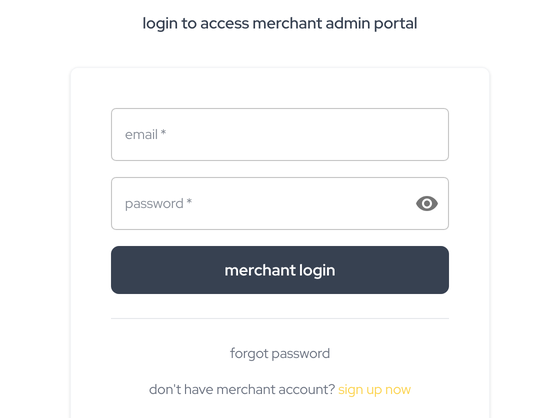
Sign up in about two minutes: your company details, contact person and bank account. Once you are onboarded, log in to the admin portal.
-
02
connect to Xero
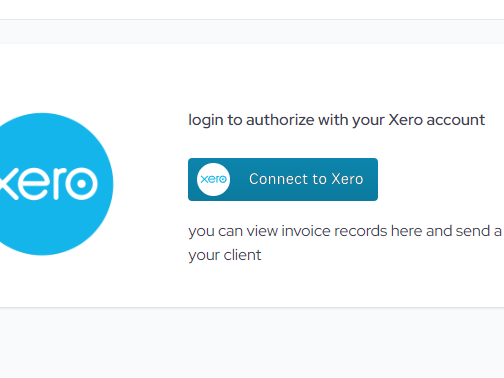
Under invoices, click connect to Xero and enter your login details. In Xero, click “allow access” — you can disconnect divit at any time from connected apps in your Xero settings.
-
03
Xero configuration
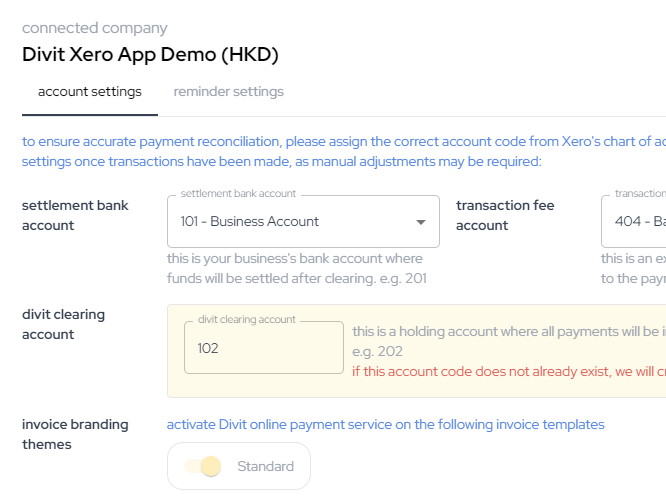
Select your settlement bank account and expense account for posting. Create a clearing account number for divit. Finally switch on the invoice branding themes.
-
04
create and send
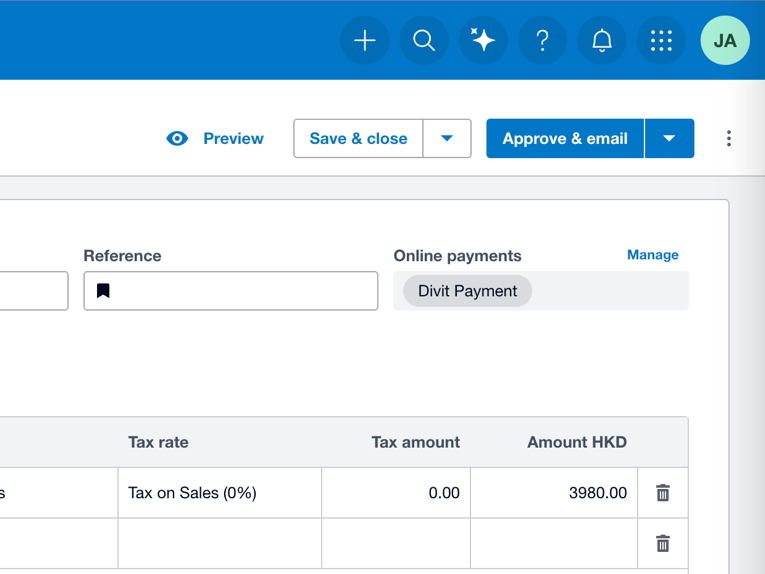
Create and send invoices as usual. Your customers will be able to select FPS by divit with Xero’s native pay now button.


PDF · 11 pages · installation and what your customer sees
customer experience
seamless and secure
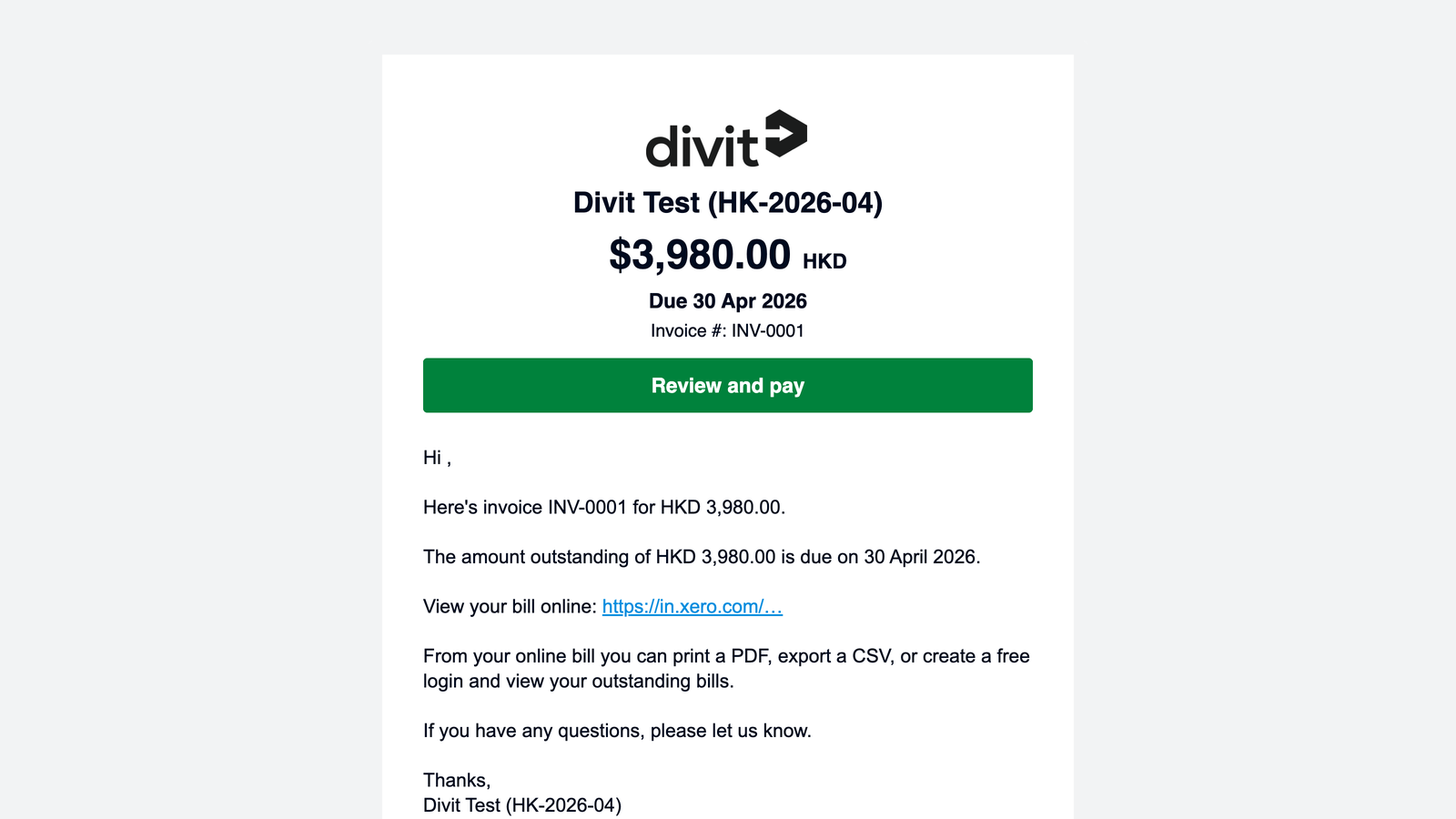
Whether your customer is viewing your invoice on their phone or desktop, paying by FPS with divit only takes seconds. No card numbers. No manual entry.
- mobile — tap the Pay Now button, click your bank and log in, click approve
- desktop — click Pay Now and scan the dynamic FPS QR code with your banking app
merchant benefits
get paid faster. save time. save money.
Giving customers a Pay Now button helps Xero users get paid up to 2× faster.* But linking card payments is too expensive for most SMEs: 3.40% + HK$2.35. FPS by divit helps you get paid faster and automates your bookkeeping for a fraction of the cost: just 0.75% + HK$2.00.
- your customers get a free, fast and secure experience
- invoices are automatically marked as paid
- settlements are T+1 and automatically reconciled
- 0.75% + HK$2.00 per invoice. No set-up fees. No monthly fees.
- No chargebacks. No manual entry.
*Based on Xero data: invoices with embedded online payments are paid up to twice as fast as those without.
Xero partners
Xero accounting practices. preferential rates.
Show your clients how they can get paid smarter. Accounting practices also get a preferential rate on their own billing.
also invoicing from QuickBooks or Odoo? One divit account covers them all. See all platforms.
faq
Xero questions. answered
do I need a developer to use divit?
No. Xero connects from the divit admin portal in a couple of minutes — no code and no developer required.
how fast do I get paid with divit?
Payment confirmation is instant: your order or invoice updates the moment the customer pays. Funds settle to your bank account the next business day (T+1). Instant settlement is available for a HK$2.00 fee.
how much does divit cost?
divit charges 0.75% + HK$2.00 per FPS transaction, compared with around 3.40% + HK$2.35 for credit cards. On a HK$1,000 invoice that’s HK$9.50 instead of HK$36.35 — a fee 74% lower, and you keep about 2.65% more of every sale. There are no setup or monthly fees.
more questions? visit FAQ & support
get started
put a pay-now button on your Xero invoices
free sign-up · connects in minutes · automatic reconciliation